> For the complete documentation index, see [llms.txt](https://cnsonline.gitbook.io/client-registration/llms.txt). Markdown versions of documentation pages are available by appending `.md` to page URLs; this page is available as [Markdown](https://cnsonline.gitbook.io/client-registration/edit-registered-company-details.md).
# Edit Registered Company Details
A Company Admin can edit the details of a company once it has been successfully registered. The registration can only be edited once this has been approved by CNS Helpdesk.
To edit the company details, search for the company and go to the company details page by clicking on the Company name.
Click on the Edit button to amend the details.
Amend the necessary fields and click on **Next** to navigate to the subsequent pages.
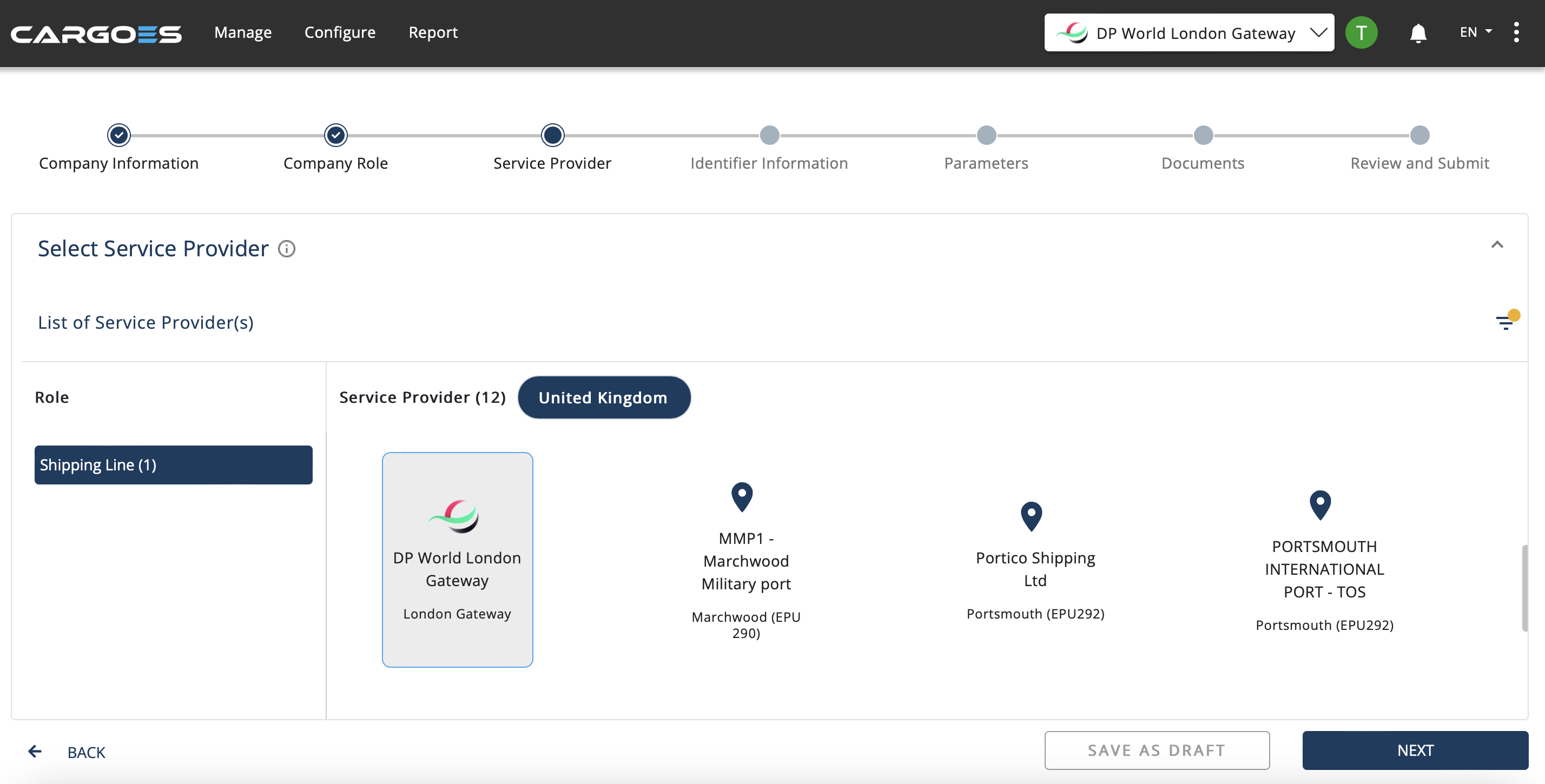
The next pages have all the selected roles and service providers for each role.
The roles cannot be removed once they have been approved. You may however add new roles by clicking on the appropriate role icon.
The user can make amendments on all the following pages by clicking **Next** and then **Submit** once all details have been reviewed.
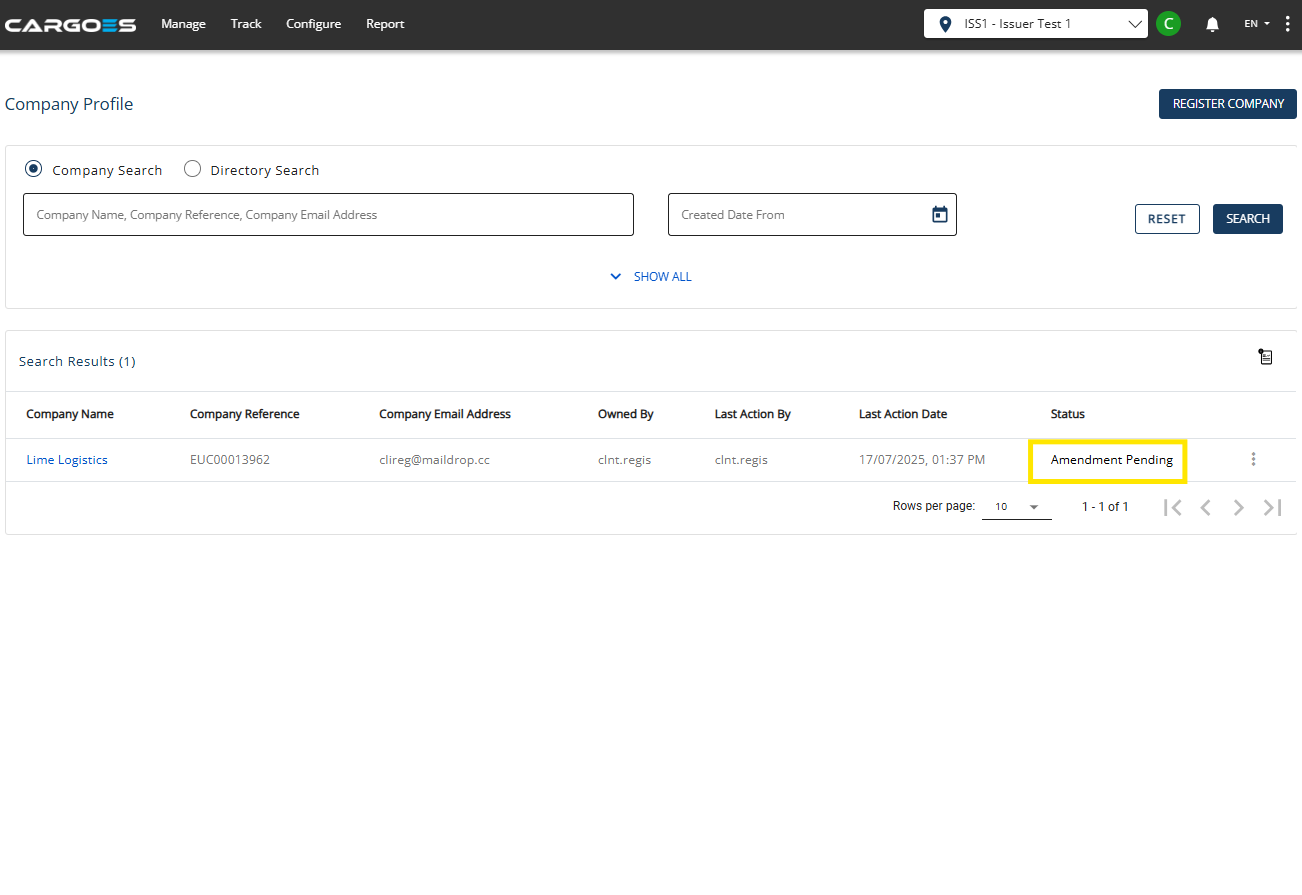
Status of Company should read **Amendment Pending** as the amendment will need to be approved by CNS Helpdesk.